


EA Forward Trading Results: 30 Bots & Screenshot Review
EA Forward Trading Results: 30 Bots in One Review
Browse each EA’s boxshot, a short factual strategy overview and its supplied monitoring screenshots. This library brings together 40 images across 30 EAs, with platform and evidence labels preserved.
How to Read These Results
These are selected screenshots from TopTradingEAs’ forward-trading media collection, not independently audited account statements or a performance ranking. Several images show multiple robots on one account; attribute only the matching trade comments. Deposits, withdrawals, cent currencies, open trades and settings can alter the meaning of displayed totals. Boxshot artwork identifies the product and may show a different release from the screenshot.
One BB Return image is a supplementary settings/history view with a Strategy Tester pane; it is labelled explicitly. The 40-image collection is not 40 independent forward tests. No historical backtest gallery or profit projections are added to this roundup.
1. Scalping Robot Pro
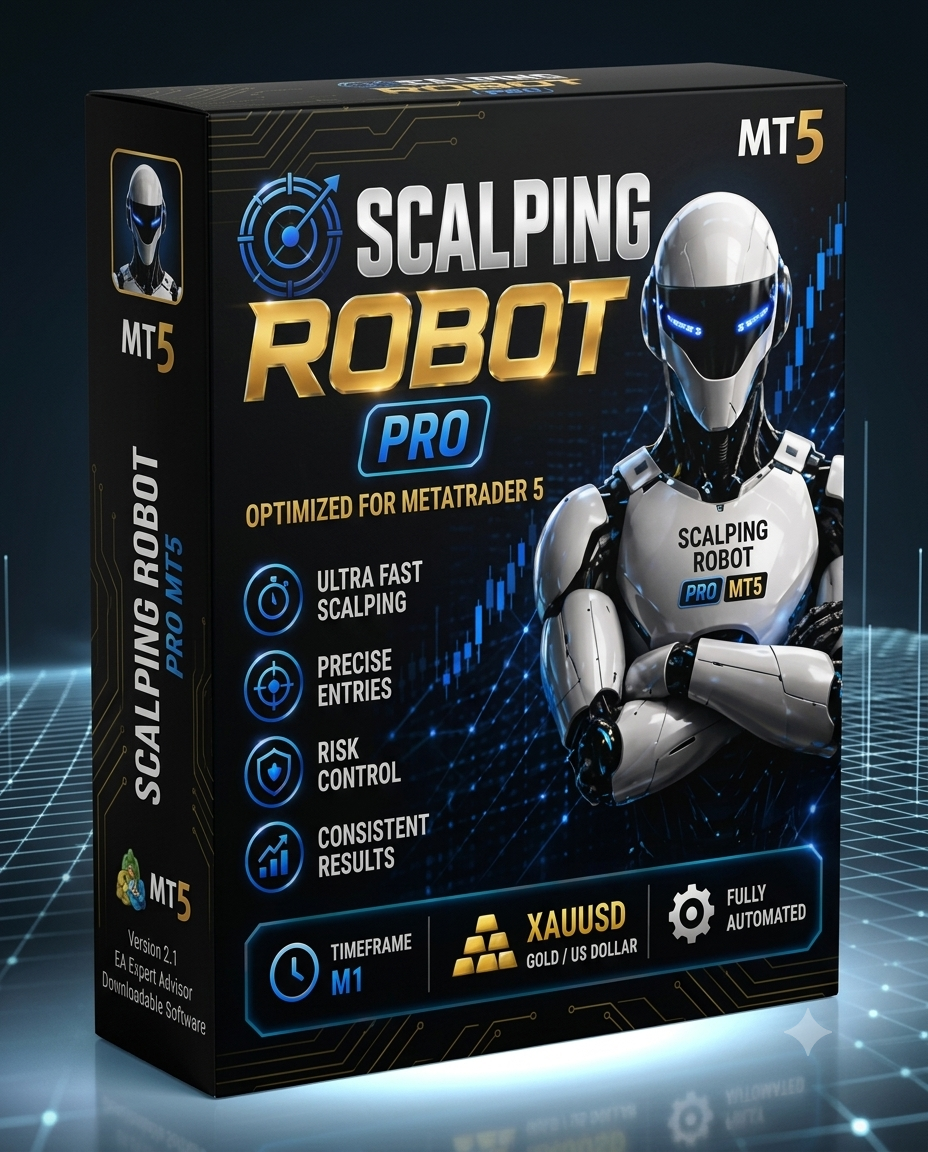
XAUUSD M1 scalping with configurable SL, TP, trailing, session and daily protection controls. A recovery option exists; the settings view below shows it OFF for that configuration.


2. Smart Gold Hunter

The source guide describes single-entry XAUUSD trading with SL/TP and no grid or martingale. The screenshot dashboard identifies v3.30, whereas the linked guide covers v2.0; do not assume the configurations are identical.

3. Sharkyra Gold

An automated gold EA for MT5. The supplied chart identifies Sharkyra Gold v1.1 and the history contains Sharkyra comments; its complete entry formula and risk inputs are not established by this image.

4. SmartChoise

Developer-described neural-network analysis with configurable sizing and recovery-based trade management. Recovery and combined position exposure need separate evaluation from entry accuracy.


5. TwisterPro Scalper

Selective XAUUSD M15 scalping with defined SL/TP and no described grid expansion. The current review covers v2.0 modes; one snapshot below explicitly identifies older v1.8.


6. Ultimate Breakout System

A configurable MT5 breakout framework using pending-order entries and strategy presets across markets and timeframes. Its exposure depends on the chosen preset and enabled modules.

7. Quantum Valkyrie

A Quantum-series gold EA. The screenshot identifies XAUUSD trading with Quantum Valkyrie-labelled history; the linked review provides the product setup context.

8. Wave Rider
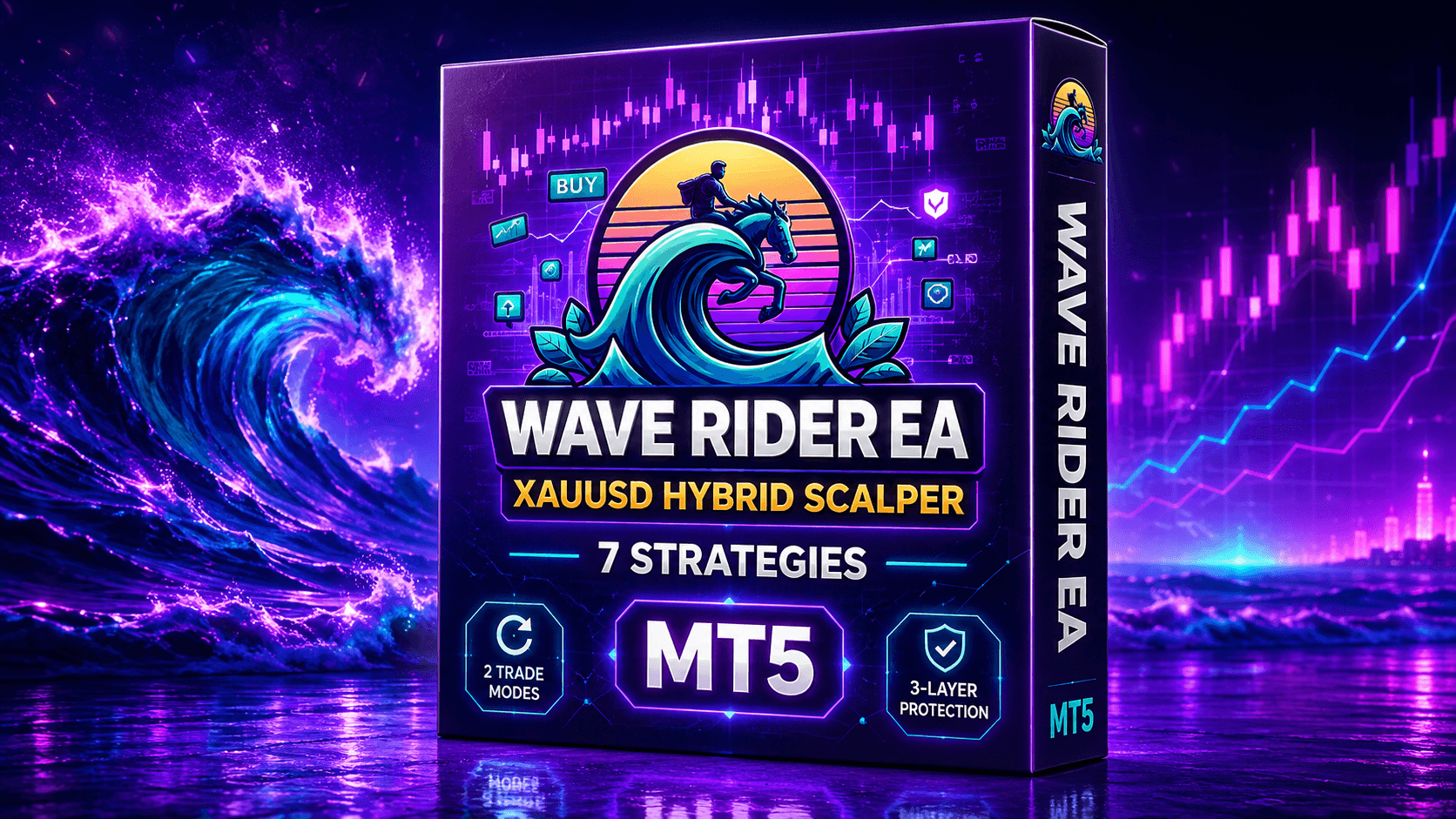
Seven described gold entry engines combine H1 context with lower-timeframe confirmation. Recovery Grid and Single Position are alternative management models with different exposure.

9. XG Gold Robot

Gold-focused analysis combines price action, cycle/SMA strength, RSI and proprietary indicators in the reviewed MT5 design. MT4 and MT5 screenshots are separated below rather than merged as one configuration.


10. ArtQuant Gold

The supplied MT5 chart identifies ArtQuant Gold 3.0 on XAUUSD M1. The image shows chart activity and history in a shared workspace; a complete strategy specification is not established here.

11. BB Return
XAUUSD M5 Bollinger Band return logic with confirmation filters. The reviewed description excludes grid, martingale and continuous averaging.


12. Boring Pips

An MT4 forex system described around M5 entries, broader-timeframe context, momentum, supply/demand and Fibonacci concepts. Supported crosses in the source include AUDCAD, AUDNZD and NZDCAD.

13. Gold House

Five described swing-breakout strategies use adaptive SL/TP, trailing and partial closes. The reviewed v3.0 design excludes grid and martingale.

14. Gold Reaper

The screenshot identifies Gold Reaper v4.3 and strategy-specific XAUUSD comments. Its dashboard exposes strategy selection and per-strategy risk; account-wide totals include other robots.

15. Gold Snap

Selective gold breakout entries are paired with adaptive exits intended to realize profit earlier. The reviewed design excludes grid and martingale; earlier realization does not guarantee smaller losses.

16. Gold Trade Pro

Daily XAUUSD support/resistance breakout trading through eight described strategies. Individual SL, TP and trailing protection are part of the source-described trade management.

17. Ghost Scalper

An XAUUSD H1 EA described around four internal strategy modules and pending-order execution. The supplied history identifies Ghost A/B/C/D activity with positive and negative outcomes.

18. Lizard

H1 XAUUSD market-structure and multi-zone breakout logic with pending orders. The source describes no grid or martingale; the screenshot identifies v1.72.

19. Mavrik Scalper

Selective short-term XAUUSD entries using a developer-described Hybrid Attention model. The review describes predefined SL/TP, optional protections and up to four simultaneous positions.

20. MoonDog

Gold breakout modules include Moon Nova, Apex, Zenith, Pulse and Eclipse. The review describes pending-order entries and individual SL/TP; these snapshots identify v3.34.


21. NeonGamer

An XAUUSD M15 filtered grid system using ATR-based spacing and basket management. Additional positions can increase exposure when price moves against the basket.

22. Nexorion Initium Novum

H1 gold analysis is described around liquidity, equilibrium and deterministic validation. The source excludes grid expansion and martingale; profitable closures do not eliminate floating equity risk.

23. NEXUS

The supplied MT5 image shows XAUUSD history labelled NEXUS 1st Trade and NEXUS Contra Grid. Those comments indicate different trade roles, but do not reveal the complete recovery or sizing rules.

24. Pulse Engine

The v1.8 source describes statistical pattern recognition and recurring intraday tendencies, with multi-asset execution. EURUSD and XAUUSD views appear separately below.


25. Quantum Athena
A gold-focused MT5 EA described around six built-in strategies and trend-following grid-style management. The report view and history below are selected observations, not a full audited record.


26. Quantum Bitcoin

A Bitcoin-focused MT5 trading EA. The supplied image identifies version3.2 and shows an open position plus history; cryptocurrency contract size and broker conditions affect exposure.

27. Quantum Emperor

A GBPUSD-focused EA available for MT4 and MT5. The supplied screenshot identifies MT4 v6.0; the source guide describes multi-position management, Smart Recovery and AutoLot.

28. Quantum King
An AUDCAD-focused automated forex EA available for MT4 and MT5. The screenshots contain both King-labelled and other-EA rows, which must be attributed separately.


29. Quantum Queen

An XAUUSD MT5 system described around multiple strategies, adjustable sizing and grid/recovery management. Its history screenshot is not evidence for Quantum Queen X or every Queen version.

30. Range Breakout EA

The v5.20 source describes session-range breaks and filters across gold, forex, Bitcoin and indices. Instrument presets, contract sizes and session mapping must be checked separately.

Continue Your EA Research
Compare strategy design, settings and the complete equity path before choosing a testing configuration.
Broker links are referral links; TopTradingEAs may receive compensation. Check regional availability and contract sizes. USD-cent balances are denominated in cents: 1,000 USC represents $10 USD, not $1,000 of capital.
Risk and Evidence Notice
Gold, forex, crypto and CFDs involve substantial risk. Selected screenshots do not establish complete returns, account authenticity, live-versus-demo status or future performance. Settings, exposure, costs, leverage and execution can change outcomes. Demo-check operation and use restrained exposure for any live testing. This is educational information, not financial advice.
Build your own EA or copy trades between accounts
Want to create your own MT5 trading strategy? Explore BYO-Bot, the Windows software for building MT5 EAs without coding. With cTrader Copier, copy trades from MT5 to another MT5 account for free, or from MT5 to cTrader with a paid subscription.
Practice this lesson
Choose two bots from the roundup. Open their full-size images and record date coverage, account units, settings labels and attribution limits. Follow each review/product link for configuration context.
Ready to continue when: You can identify at least one reason the two screenshots cannot be compared as like-for-like returns.
Keep your notes locally. These reading lessons do not save progress or require an account. Use demo or historical research for exercises.